
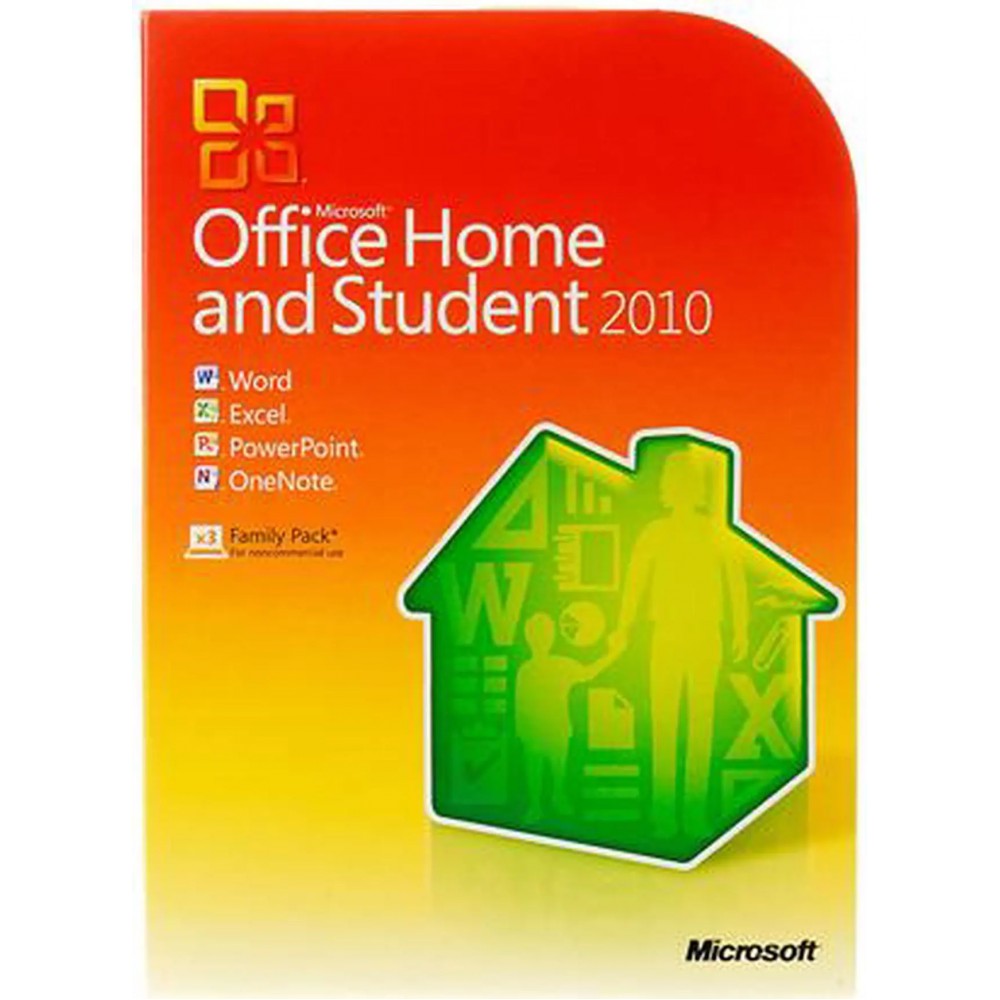
Microsoft Office 2010 Home & Student 3-User
RM 179.00
Tax RM 179.00
Product Code: 79G-02144
Stock In Stock
Viewed 103 times
Categories
Cart
Account
Search
Recent View
Go to Top
Shopping Cart
×
Your shopping cart is empty!
Search
×
Recent View Products
×
Product Description
- Word 2010 & Excel 2010
- PowerPoint 2010
- OneNote 2010
Specifications
| Brand | Microsoft |
|---|---|
| Model | 79G-02144 |
| Type | Office Suite |
| Feature | With Microsoft Office Home and Student 2010, you and your kids can create great schoolwork and home projects from multi-page bibliographies to multimedia presentations. Capture ideas and set them apart with video-editing features and dynamic text effects. Then easily collaborate with classmates without being face-to-face thanks to new Web Apps tools. The results go well beyond expectations with a little inspiration, a lot of creativity and Office Home and Student 2010. Enjoy flexibility—now you can easily post your Office documents online and access, share and edit them with Office Web Apps. It's an ideal way to extend your Office 2010 experience to the Web. Work together—brainstorm ideas, share notes and work on documents with others simultaneously thanks to the new co-authoring tool in Word, PowerPoint and OneNote. Find it on new Backstage view—replaces the traditional File menu to give you one go-to spot to conveniently save, open and print documents. Customize the tab commands to fit your individual needs so you can navigate tasks effortlessly. Programs you rely on—Microsoft Office 2010 is an industry standard offering our latest, innovative tools to make your documents richer and more informative. Comes with disc and product key. For use on 3 PCs in 1 household Includes 2010 versions of Word, Excel, PowerPoint and OneNote. Microsoft Office Home and Student 2010 gives your family the tools to manage everything from home to homework. Enjoy powerful writing tools, new spreadsheet graph and analysis features and dynamic presentation capabilities. Edit and share videos right in PowerPoint—no need for additional software. The new Microsoft Office Backstage view replaces the traditional File menu found on previous versions of Microsoft Office, to make it easier to navigate tasks, as well as access and manage files. |
|---|